Install the Come app on Android, end to end.
A short install guide for eligible Indian players. The verified access route, the OTP step, KYC, the welcome bonus and the first deposit are each covered in order. Mirror of the source app's published install flow.
Four steps from install to first contest.
Open the verified access route
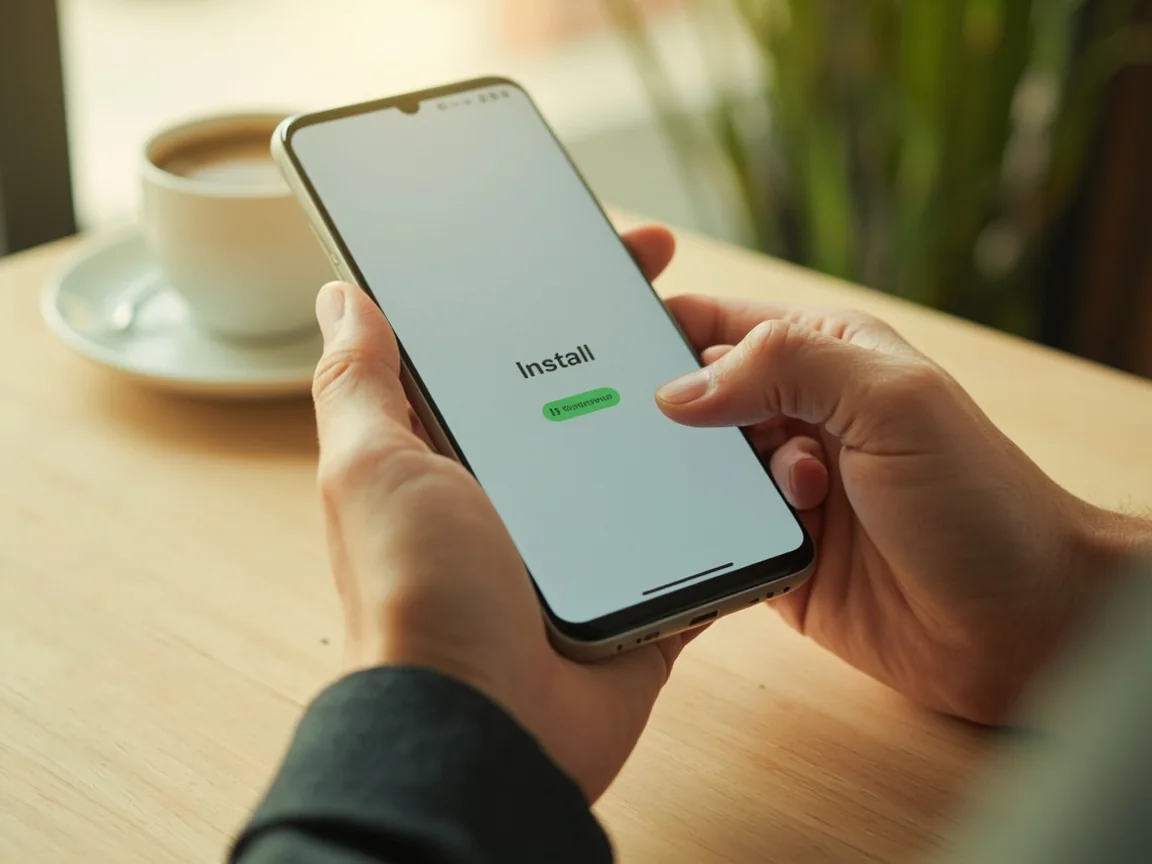
Tap the orange Install App button in the header. The link is the first-party access route - never a third-party mirror or random APK host. Keep this tab open until the install completes.
Install and register with Indian mobile
Use a valid Indian mobile number for OTP verification. Wallet defaults to INR. The first install prompts you to allow installs from the verified access route; tap Settings then enable installs from this source.
Complete KYC
Submit Aadhaar, PAN or Voter ID - one document per account. Most KYC submissions complete within minutes when the document is clear and matches the registered name.
Pick your first vertical and play
Fantasy contests run on the next listed match. Rummy Points from ₹8 and Deals from ₹5. Sports markets settle on official feeds. The 973-game skill lobby is live 24x7.
Pick a welcome tier before the first deposit.
Three reference tiers are available at the first deposit. Pick the one that matches your budget; the welcome bonus applies once per account.
- ₹100 - bonus up to ₹71, Gullak up to ₹82, fantasy voucher ₹48
- ₹500 - bonus up to ₹251, Gullak up to ₹252, fantasy voucher ₹48
- ₹1,000 - bonus up to ₹401, Gullak up to ₹402, fantasy voucher ₹48
Gullak is a wallet-style bonus released on turnover. The fantasy voucher is a single-use ₹48 entry credit. Read the in-app terms before claiming any tier.
Install and KYC reference table.
Reference numbers for the standard install and KYC flow. Values are sourced from the verified access route. If you see a different number on the install screen, the in-app value is authoritative.
| Step | Detail | Limit | Notes |
|---|---|---|---|
| Mobile registration | Indian mobile | 1 per number | OTP verification required |
| KYC documents | Aadhaar / PAN / Voter ID | 1 per account | Document must match registered name |
| Welcome bonus tier 1 | ₹100 deposit | First deposit only | Bonus + Gullak + voucher |
| Welcome bonus tier 2 | ₹500 deposit | First deposit only | Larger bonus + Gullak + voucher |
| Welcome bonus tier 3 | ₹1,000 deposit | First deposit only | Largest bonus + Gullak + voucher |
| Standard withdrawal | UPI | Per published tier | VIP tiers raise the limit |
| VIP15 free withdrawal | Daily cap | ₹50 Lakhs | Priority processing included |
| App size | Android | ~40 MB | Source: verified access route |
| Min Android version | Android 6.0+ | n/a | Source: verified access route |
| Tablets | Android tablets supported | n/a | Source: verified access route |
Standard players see these limits. State restrictions and self-exclusion tools override the defaults. If you have activated a self-exclusion, the wallet will not raise any limit until the exclusion period ends.

When the install flow gets stuck.
Most install issues on Android come down to three things: Play Protect settings, the verified access route session, and the OTP step. Play Protect sometimes blocks the install if the source profile has not been reviewed yet; the fix is to keep the source profile URL open in another tab so the Play Protect review has a verifiable source to point at.
OTP not arriving
The OTP step blocks if the mobile number is not Indian, if the network blocks SMS from international senders, or if the OTP has already been used in the last few minutes. Each failure mode has a clear in-app message. The OTP is valid for a short window; request a new one if the timer expires.
State eligibility edge cases
If the eligibility check fails, the wallet surfaces the relevant state policy. The support desk does not override state restrictions - they are policy, not bugs. The fix is to play only in permitted states and to re-check eligibility when you travel.
Install questions, answered.
Is the install route verified?
Yes. The Install App button links to the first-party access route. No third-party mirror is endorsed.
How long does KYC take?
Most KYC submissions complete within minutes when the document is clear and matches the registered details.
What Android version do I need?
Android 6.0 or higher. The verified access route lists the exact minimum on the install screen.
Can I use the same wallet across all verticals?
Yes. Fantasy, rummy, sports and the skill lobby share the same INR wallet.
Can I uninstall and reinstall?
Yes. Log back in with the same mobile number to recover your wallet, VIP tier and history.
Does Come work on iOS or tablets?
Android phones and Android tablets currently. The verified access route is updated as the source app adds new platforms.